How to use our dealer portal
Here’s a few quick tips to using our dealer portal. If you’re stuck with anything please contact our customer support team: +44 (0)1502 533 433
Navigation menus
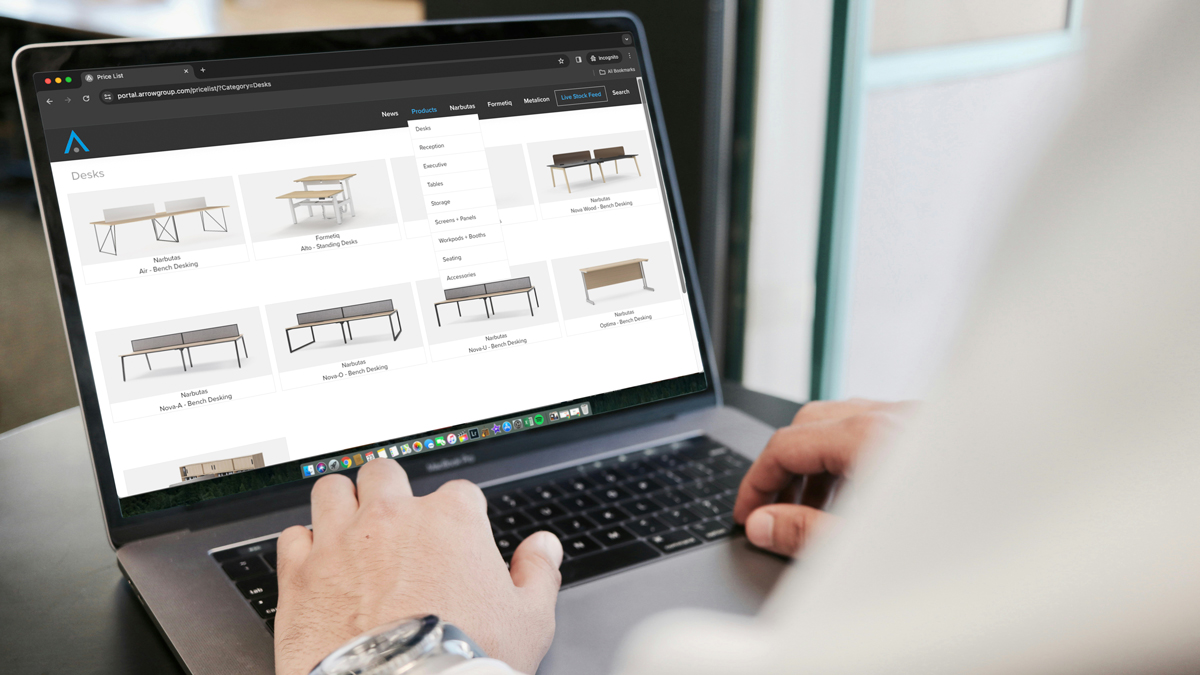
The ‘Products’ menu displays the categories for all the products we can offer you.
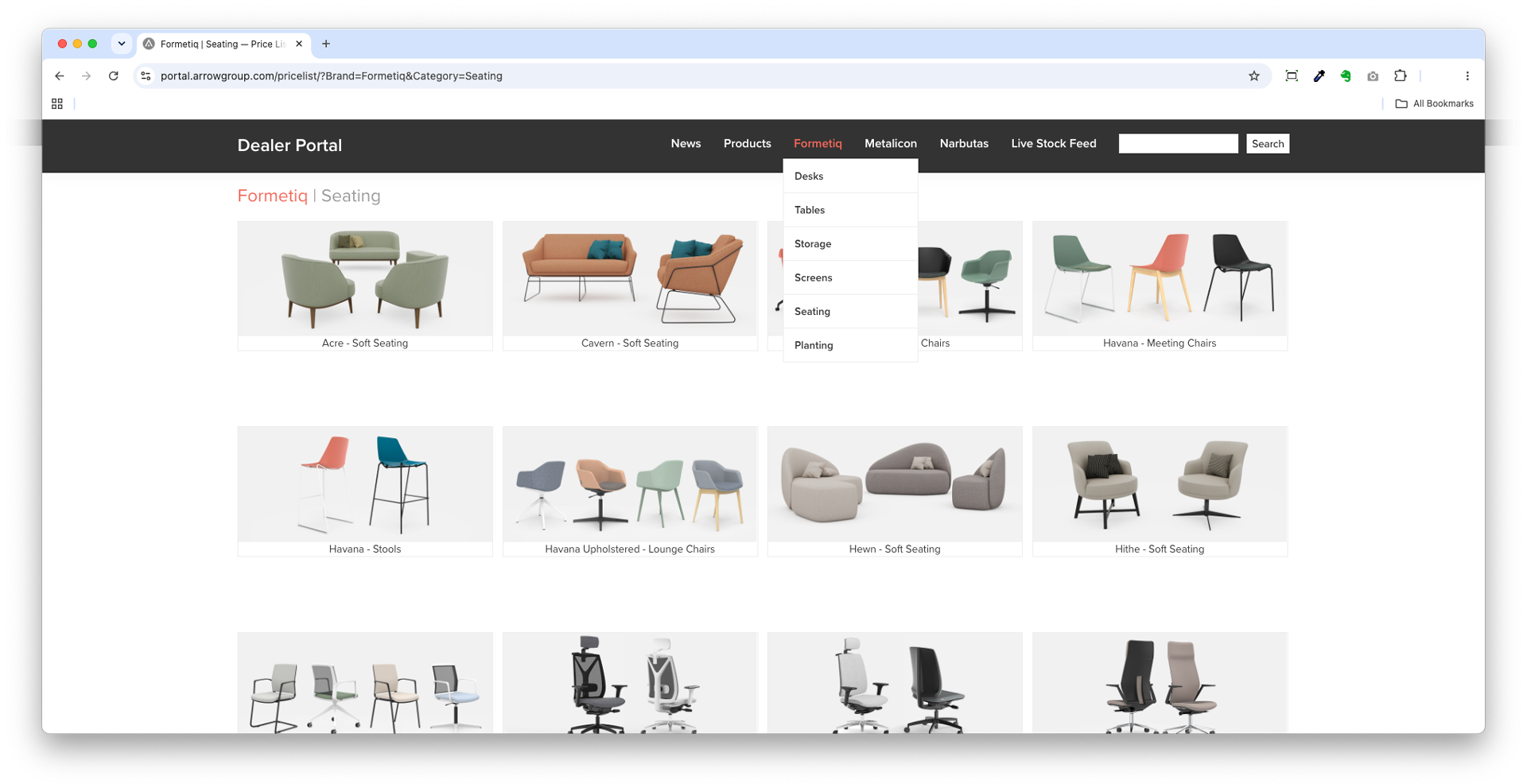
The brand menus (eg. Metalicon) display the categories for that brand only.
Simply click the range title tile to view the products in that range.
Finishes / Options
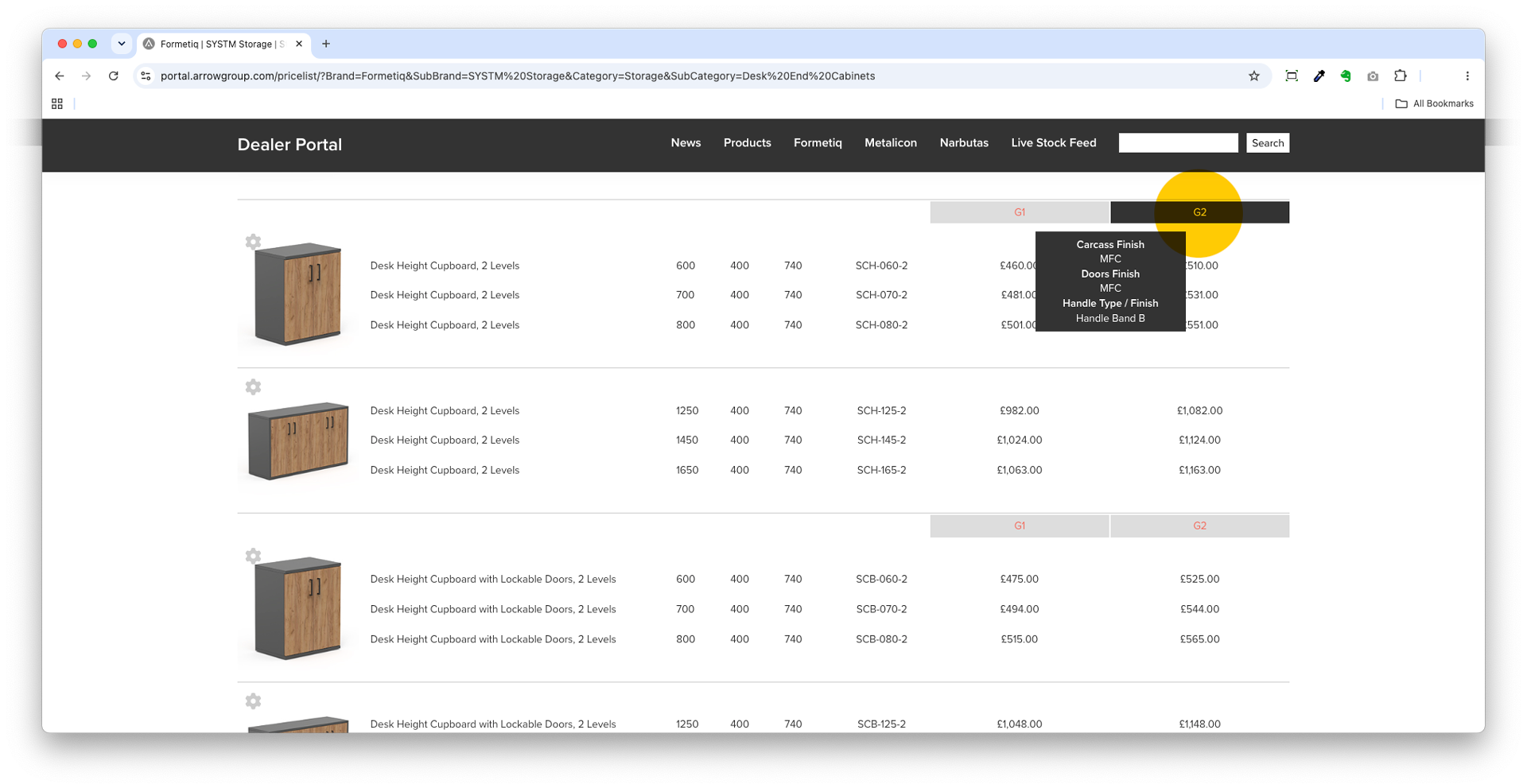
Hover over the price group header (eg. G2) to see the finishes / options that determine that price.
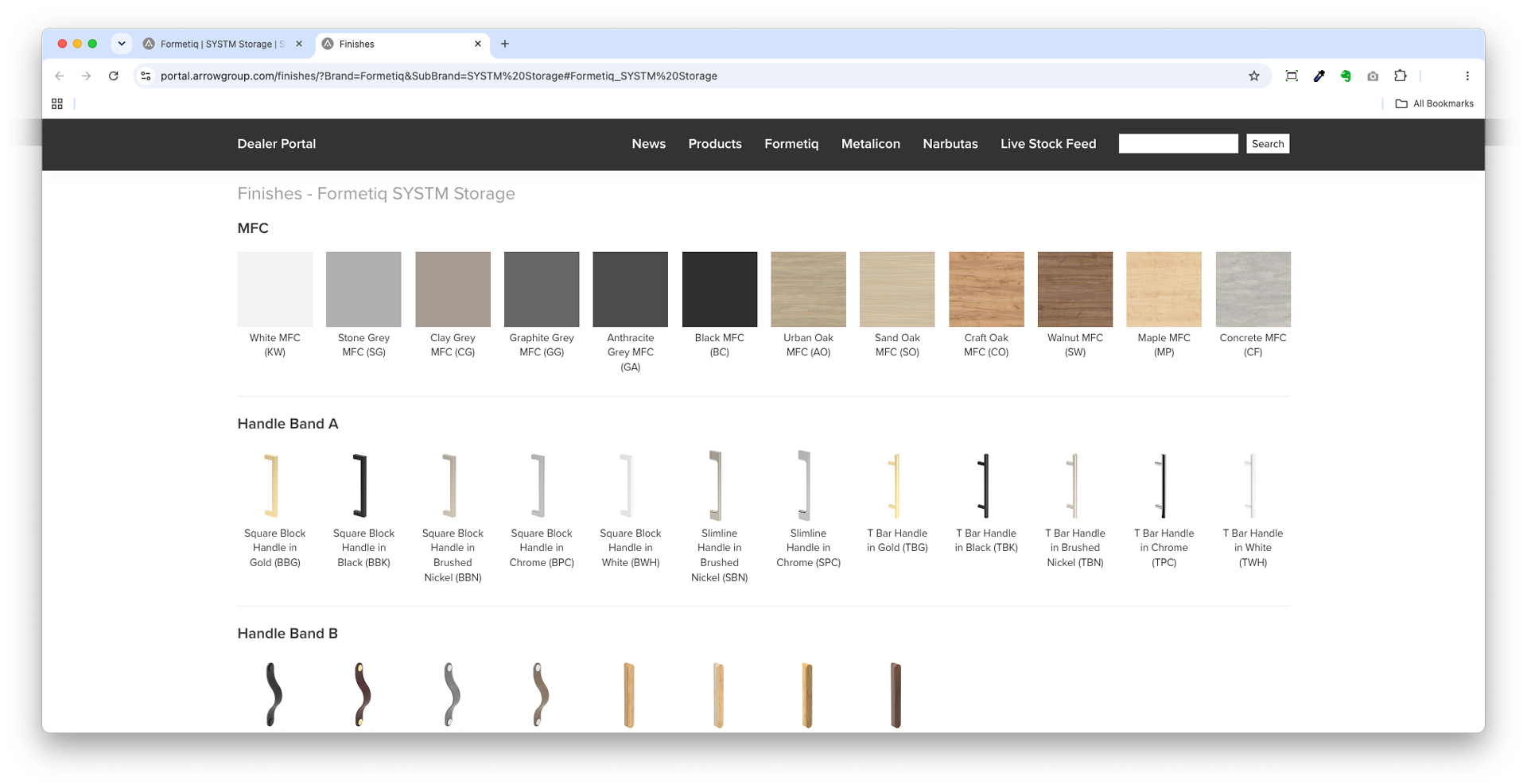
To see all the available finishes / options for a range simply click on the red price group header (eg. G2). The finishes will load in a new browser tab.
Live stock feed
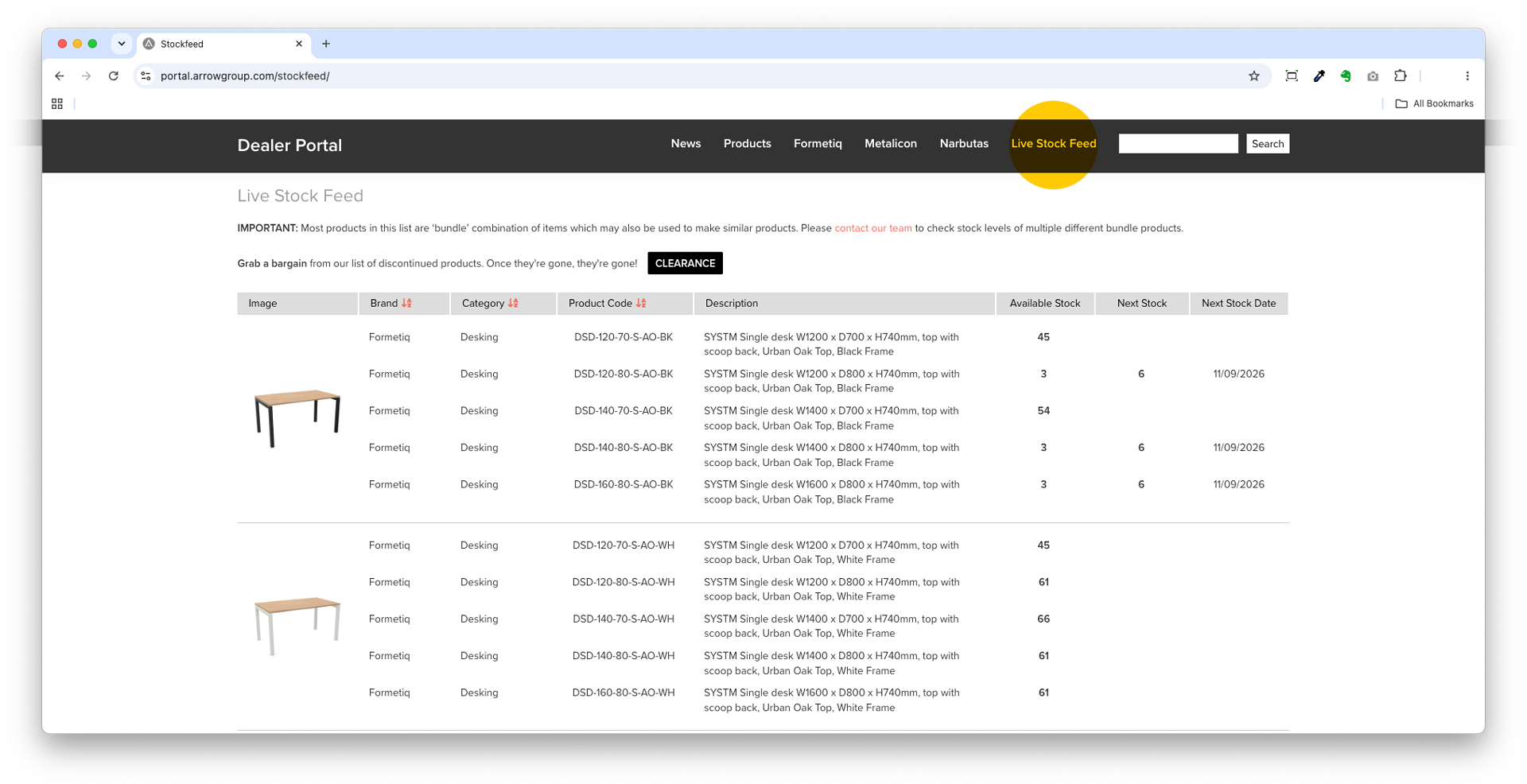
Click the ‘Live Stock Feed’ link to see an up-to-date record of our stocked products, quantities, and dates when new stock is likely to arrive. If you can’t find what you’re looking for, or it looks like stock levels are unusually low, please contact our customer support team: +44 (0)1502 533 433
Don’t miss a bargain on the Clearance page!
Product search
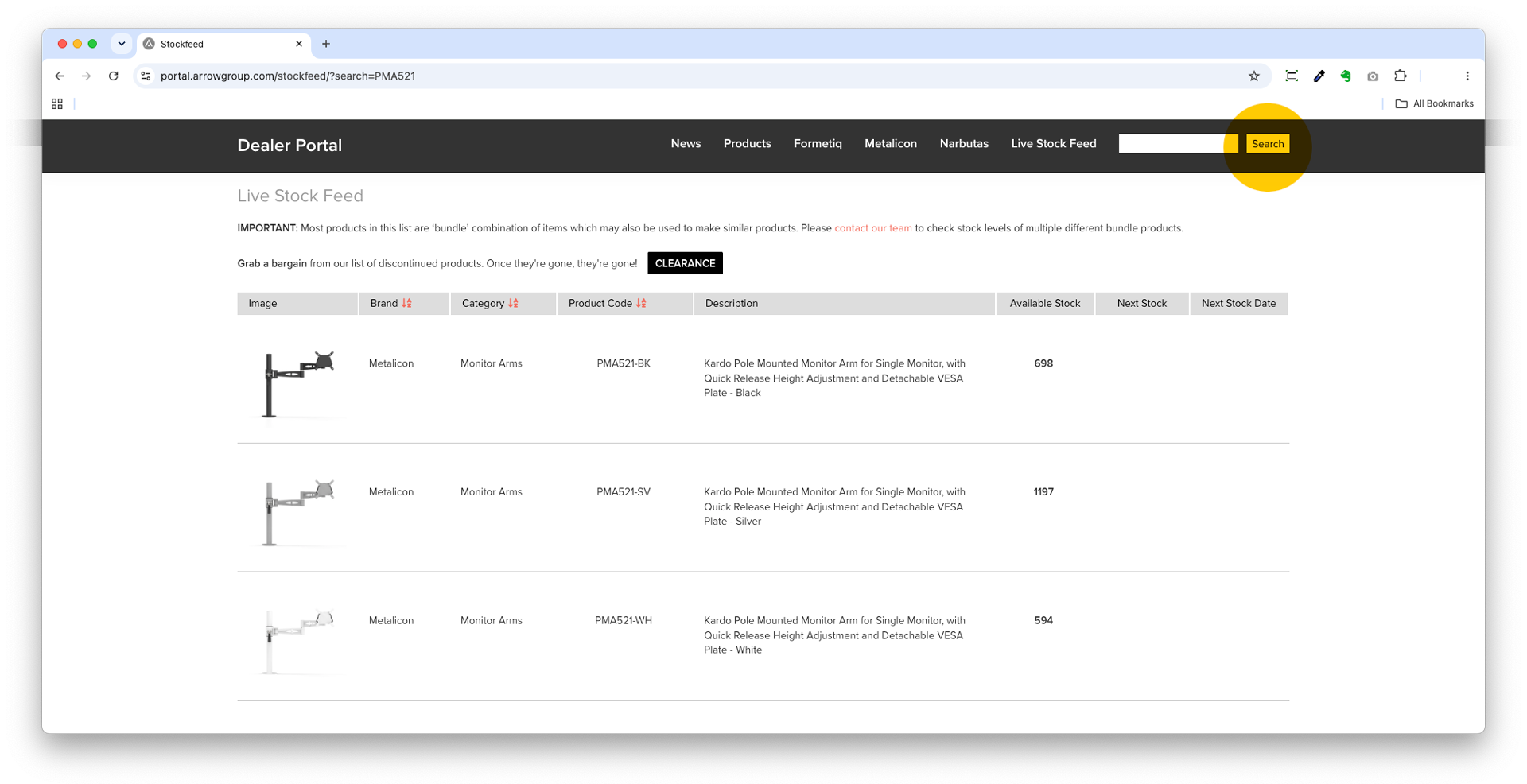
Use the ‘Search’ box to search for a particular product code (eg. PMA521) or a product range (eg. Kardo).
Please note: The search function will not search product descriptions.
Resource download links
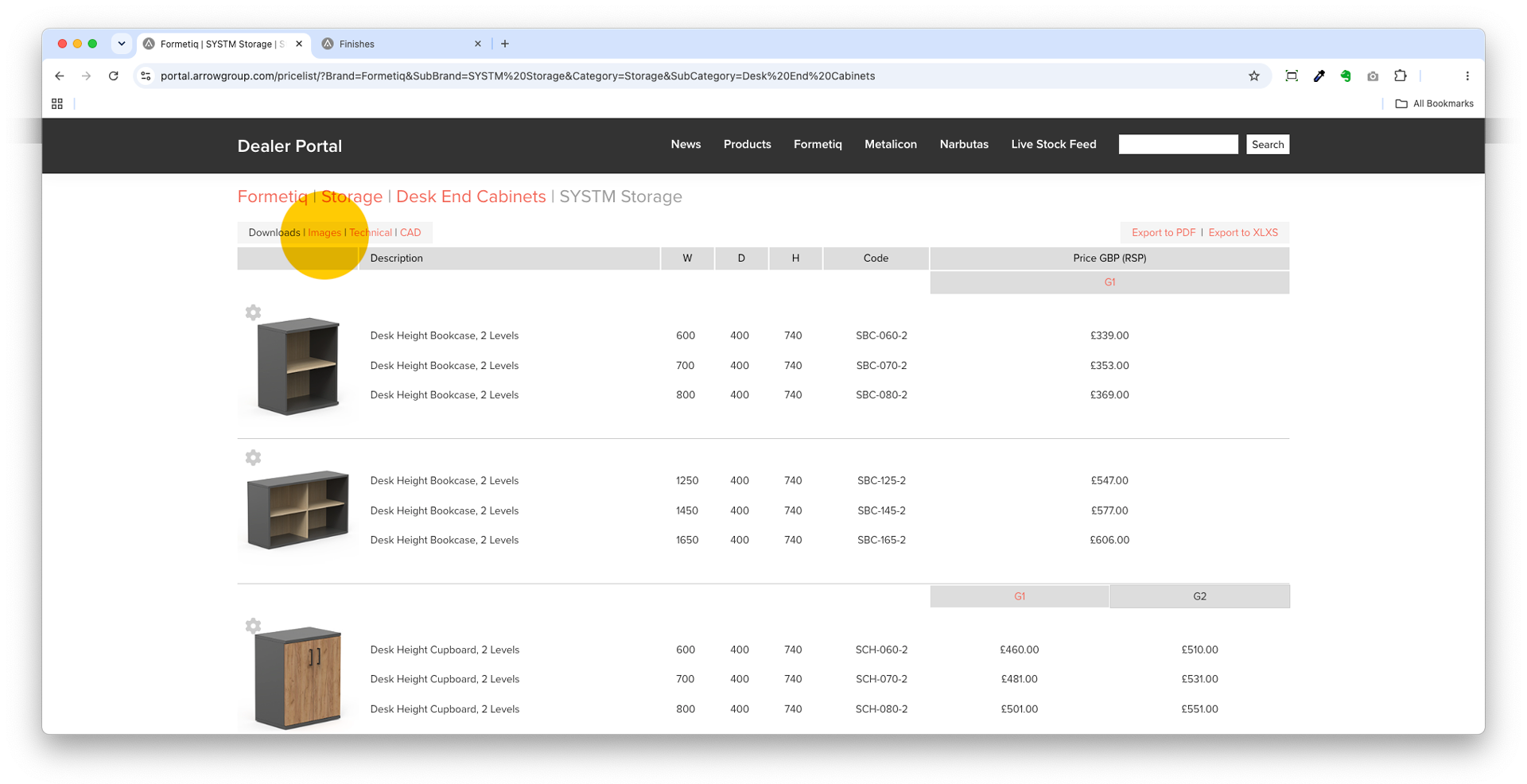
You can access images, technical information and CAD files (including SketchUp) for each range using the ‘Downloads’ links in red under the range title.
Export price lists
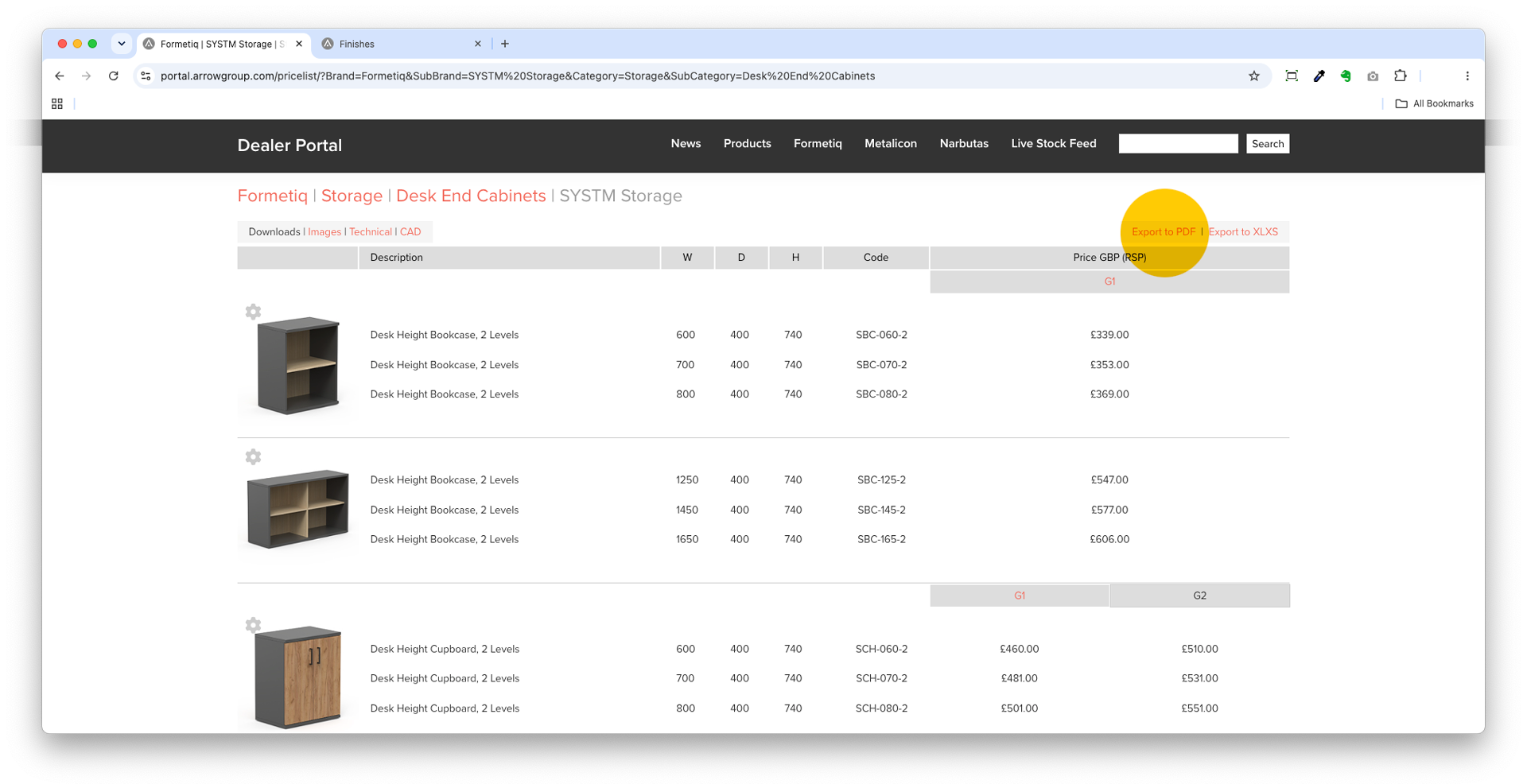
You can export prices for each product range by clicking the links at the top right of the page. Choose Export to PDF or Export to XLXS (Microsoft Excel spreadsheet).
Please note: It is not possible to export the entire price list.
Use the ‘Products’ or brand menus above to get started…